
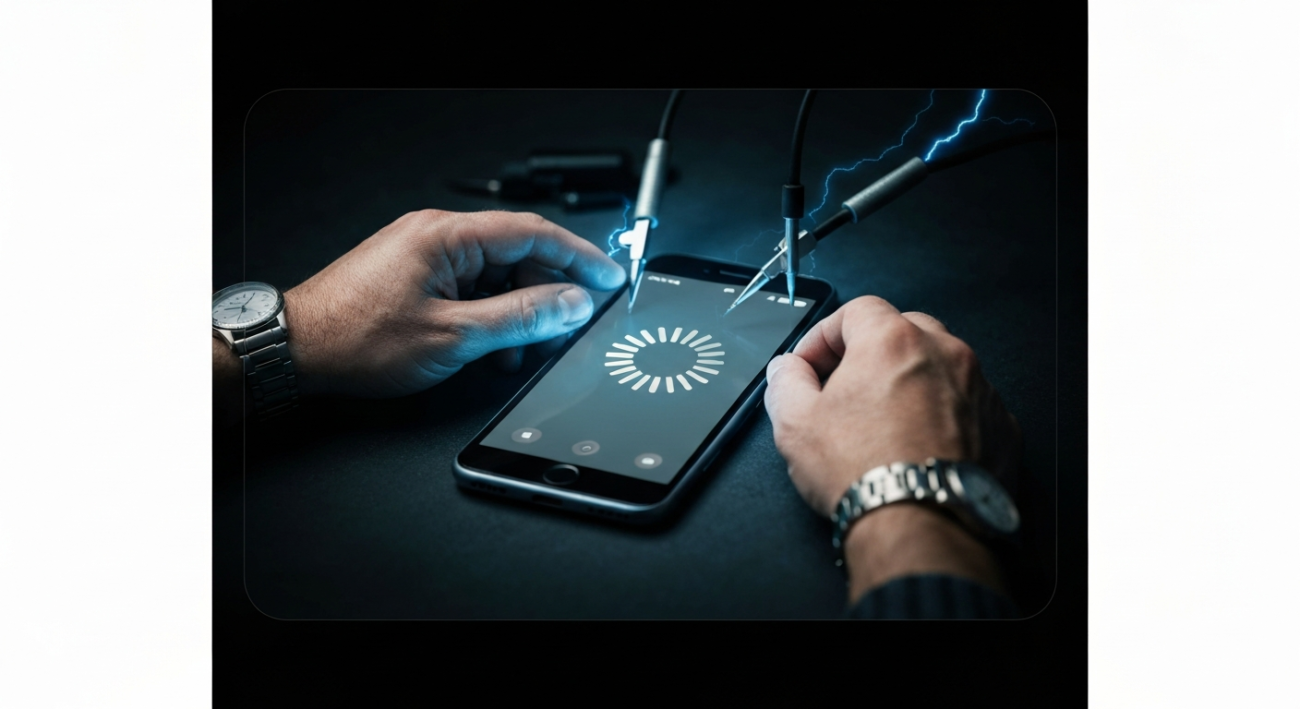
Quick Fix
Try restarting your phone manually, then check for any pending software updates or recently installed apps that might be causing the issue.
What the Problem Means
A phone that randomly restarts is essentially telling you there’s an underlying problem preventing its operating system from running smoothly. This usually points to instability, often stemming from software conflicts, an overworked or overheating device, or in more serious cases, failing hardware components that can no longer sustain normal operation.
Common Causes
- Software Glitches: Sometimes, a small bug within an app or the phone’s operating system itself can cause instability, leading the device to crash and reboot unexpectedly. These glitches might be intermittent and hard to pin down.
- Overheating: When your phone gets excessively hot, perhaps from intensive gaming, long video calls, or being left in direct sunlight, its internal safety mechanisms might trigger a shutdown and restart to prevent permanent damage to the components.
- Corrupted or Malfunctioning Apps: A recently installed or updated application might be poorly coded or incompatible with your phone’s current software, causing system crashes that manifest as random reboots.
- Outdated Operating System: Running an older version of your phone’s operating system can lead to compatibility issues with newer apps and security vulnerabilities. These inconsistencies can sometimes result in system instability and spontaneous restarts.
- Battery Issues: An aging or faulty battery might struggle to supply consistent power to your phone’s components. When the power fluctuates or drops unexpectedly, the device can shut down and reboot to try and stabilize itself.
- Hardware Damage: Physical impacts, drops, or water exposure can damage internal components like the motherboard, processor, or memory. Such damage can lead to unpredictable behavior, including frequent reboots, as the device struggles to function correctly.
- Full Storage: Running critically low on internal storage can severely impact your phone’s performance. When the system lacks sufficient space to operate, update apps, or store temporary files, it can become unstable and prone to crashing and restarting.
Fast Fixes
- Restart Your Phone (Properly): A simple, deliberate restart can often clear temporary software hiccups. Hold down your phone’s power button until the power options appear, then select “Restart” or “Power off” and then turn it back on after a minute or two.
- Check for Software Updates: Always keep your phone’s operating system and all installed applications updated to their latest versions. Developers frequently release updates that include bug fixes and performance improvements that can resolve stability issues.
- Delete Recently Installed Apps: If your phone started restarting shortly after you installed a new app, try uninstalling that specific app. This helps determine if a faulty or incompatible application is the root cause of the problem.
- Clear Cache Partition (Android Only): For Android users, booting your device into recovery mode often provides an option to clear the cache partition. This action removes temporary system files that might be corrupted without deleting your personal data.
- Monitor and Free Up Storage Space: Ensure you have a healthy amount of free storage on your device. Delete unnecessary photos, videos, apps, and files. Critically low storage can lead to performance degradation and system instability.
- Temporarily Remove SIM/SD Card: In rare cases, a faulty SIM card or a corrupted external SD card can cause system conflicts. Try removing them temporarily to see if the random reboots cease.
- Cool Down Your Phone: If your phone feels hot to the touch, close all running applications, stop any intensive tasks like gaming or video streaming, unplug it from charging, and move it to a cooler environment away from direct sunlight. Allow it to cool down naturally.
Advanced Fixes
- Perform a Factory Reset: If all else fails, a factory reset is a drastic but often effective solution for persistent software issues. This will wipe all data and settings from your phone, returning it to its original factory state. Make sure to back up all your important data before proceeding!
- Boot into Safe Mode (Android Only): Android devices have a “Safe Mode” that disables all third-party applications, allowing only essential system apps to run. If your phone stops restarting while in Safe Mode, it strongly indicates that a recently installed app is causing the problem.
- Consider Battery Replacement: If your phone is several years old and experiencing frequent reboots, especially when the battery percentage is low, a worn-out or defective battery might be the culprit. Professional battery replacement can often resolve such power-related issues.
- Reinstall Operating System (Firmware Flash): For advanced users or in cases of severe system corruption, reinstalling the phone’s entire operating system (often referred to as flashing new firmware) can be done using manufacturer-specific tools or recovery software. This should only be attempted if you are confident in your technical abilities or by a professional.
Device/App Specific Notes
- For Android devices, a ‘soft reset’ (typically holding the power and volume down buttons for several seconds) can often resolve minor glitches without deleting data. Also, be wary of enabling obscure developer options, as some settings can unintentionally cause instability.
- For iPhones, a force restart (specific button combinations vary by model) is the go-to solution for many temporary software issues. Regularly optimize your iPhone’s storage and clear out old messages, photos, and videos to prevent performance degradation.
- Always use original or certified third-party chargers and cables. Substandard charging accessories can provide inconsistent power, which might not only cause your phone to reboot but also damage the battery or internal components over time.
When to Contact Support
- If your phone continues to restart randomly even after you have meticulously tried all the fast and advanced troubleshooting steps, including a factory reset.
- If the reboots are accompanied by other alarming signs, such as unusual buzzing noises, constant screen flickering, or the device becoming excessively hot without any heavy usage.
- If you suspect that your phone has suffered physical damage, such as from a significant drop, impact, or liquid exposure, as internal components might be compromised.
- If your device is still under warranty, it is always the safest and most recommended course of action to contact the manufacturer’s customer support or visit an authorized service center for professional diagnosis and repair.
Summary
Experiencing random phone restarts can be incredibly frustrating, but it’s a common issue with a range of potential causes, from simple software glitches to more complex hardware failures. By systematically working through troubleshooting steps, starting with basic restarts and software updates, and progressing to more advanced solutions like a factory reset, you can often identify and resolve the problem yourself. Remember to always back up your data before attempting drastic fixes. If, despite your best efforts, the problem persists, or if you suspect hardware damage, don’t hesitate to reach out to professional support or your device manufacturer, especially if your phone is still under warranty.
