
Simple Definition
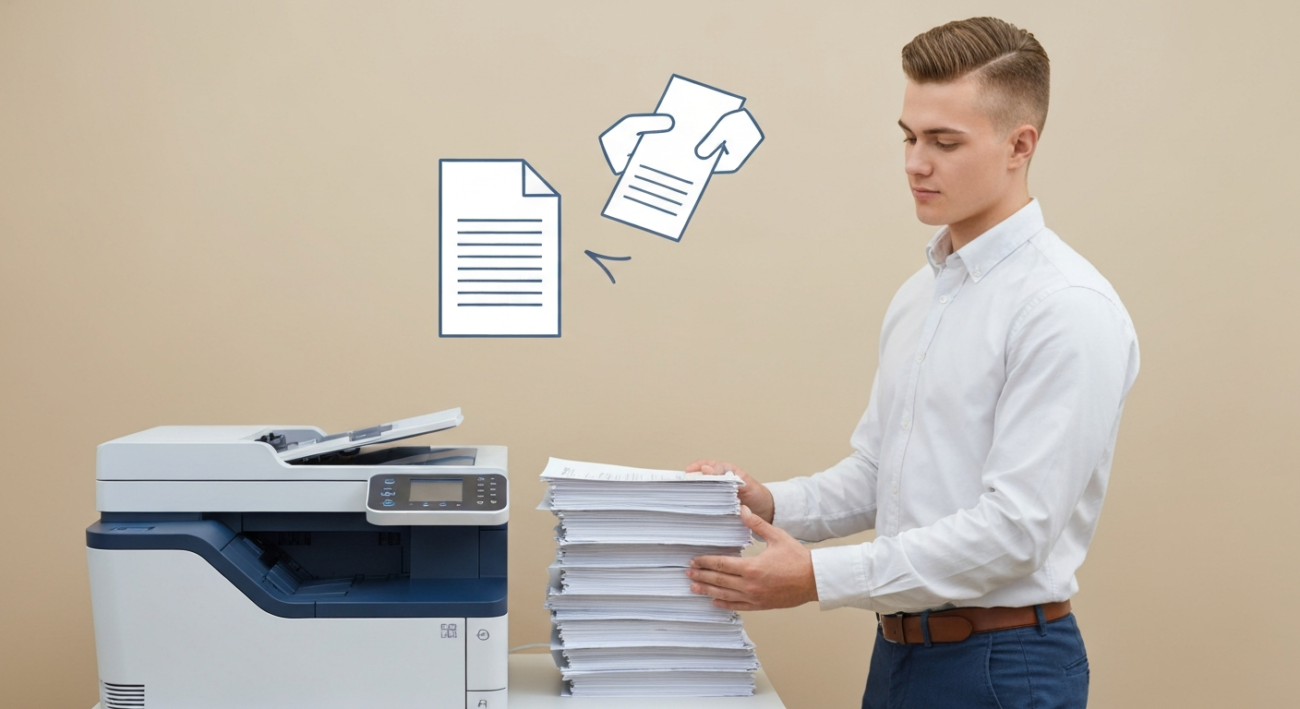
Collate printing is a printer setting that ensures multiple copies of a multi-page document are printed in their correct sequential order.
Easy Explanation
Imagine you need five copies of a three-page report. If you use collate printing, your printer will give you five complete sets, each with pages 1, 2, and 3 in the right order. Without collate, you would get five copies of page 1, then five copies of page 2, and then five copies of page 3. You’d have to sort them all by hand!
History and Origin
The concept of collating documents isn’t new; people have manually sorted papers for centuries. With the advent of modern copy machines and then computer printers, the need for automated sorting became clear. Early photocopiers often had physical sorter bins. As digital technology advanced, the collate function became a standard software feature in virtually all printing systems, moving the sorting process from a physical act to a logical operation performed by the printer’s software.
Key Terms
Duplex Printing: The ability of a printer to print on both sides of a sheet of paper automatically.
Printer Driver: Software that allows a computer to communicate with a specific printer model and manage its functions.
How It Works
- You create a document with multiple pages (e.g., a 10-page report).
- You decide you need several copies of this document, let’s say three copies.
- When you go to print, you’ll see an option in the print dialog box, often labeled ‘Collate’. You select or check this box.
- The printer driver then sends instructions to the printer, telling it to print each full set of the document (pages 1-10) before starting the next set.
- The printer executes these instructions, delivering your three complete, perfectly ordered copies without any manual sorting required.
Real-Life Example
Let’s say you’re a teacher preparing for a class. You have a five-page handout for your 20 students. If you enable collate printing, the printer will give you 20 separate, five-page handouts, each one perfectly assembled. If you didn’t collate, you’d get 20 copies of page 1, then 20 copies of page 2, and so on. You’d spend ages putting all those handouts together by hand, instead of focusing on teaching!
Why It Matters
Collate printing is a huge time-saver. It eliminates the tedious and error-prone task of manually sorting stacks of paper, especially for large print jobs. It ensures that every copy of your document is complete and in the correct order, which is essential for professional presentations, reports, and academic materials. In short, it keeps your documents organized right out of the printer.
Broader Implications
The ‘collate printing’ feature is more than just a convenience; it’s a fundamental aspect of efficient document management in any setting. For businesses, it translates to saved labor costs and increased productivity. In educational institutions, it helps streamline the creation of learning materials. As printers become faster and more sophisticated, collate functionality remains a cornerstone, ensuring that even complex documents with many pages and copies are delivered in a ready-to-use format, reducing human error and improving workflow.
Common Myths
- Collate printing always slows down the printer: While the printer might pause slightly between sets to process, modern printers are very efficient, and the time saved by not manually sorting far outweighs any minimal slowdown.
- It’s only useful for huge documents: Even for a two-page document with a few copies, collate printing saves you the minor hassle of sorting.
- My printer doesn’t have it: Most modern office and home printers, whether inkjet or laser, include the collate option within their print settings or driver software.
Quick Quiz
Question: If you print 5 copies of a 3-page document without collating, what will be the order of the pages coming out of the printer?
Answer: All 5 copies of page 1, then all 5 copies of page 2, then all 5 copies of page 3.
Summary
Collate printing is a simple yet powerful feature found in almost all modern printers. It automatically organizes multiple copies of multi-page documents into complete, sequential sets. This saves significant time and effort by eliminating the need for manual sorting, making your printing tasks much more efficient and ensuring your documents are perfectly ordered every time. It’s a key tool for anyone managing print jobs, from a single user to a busy office.
