
Quick Fix
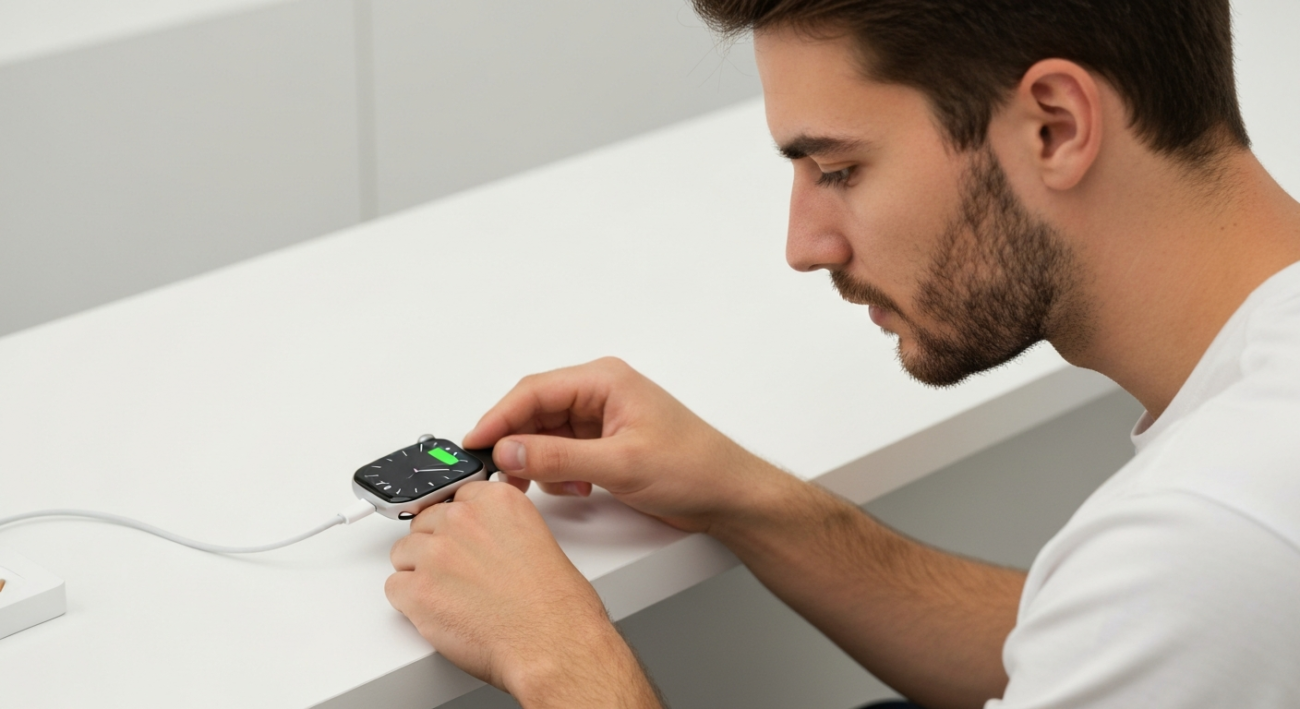
Check your charging cable and power adapter. Often, a simple connection issue is why your Apple Watch won’t charge.
What the Problem Means
When your Apple Watch won’t charge, it usually means there’s an interruption in power delivery. This could be due to issues with the charger, the watch itself, or the power source.
Common Causes
- Dirty charging contacts on the watch or charger
- Faulty charging cable or power adapter
- Overheating of the Apple Watch or charger
- Software glitch requiring a restart
- Watch not properly aligned on the magnetic charger
- Damaged watch battery or charging port
Fast Fixes
- Ensure the charger is securely plugged into both the wall and the charging puck.
- Try a different power outlet to rule out an issue with the current one.
- Carefully clean the back of your Apple Watch and the magnetic charger with a soft, lint-free cloth.
- Restart your Apple Watch by holding the side button and Digital Crown until you see the Apple logo.
- Check for any physical damage to your charging cable or adapter.
Advanced Fixes
- Update your Apple Watch to the latest watchOS version. Sometimes, software bugs can affect charging.
- Try a different, Apple-certified charging cable and power adapter if available.
- Reset your Apple Watch settings (this won’t erase data but resets network settings, etc.). Go to Settings > General > Reset > Reset All Settings.
- If possible, test charging your watch with a different Apple Watch charger to isolate the problem.
Device/App Specific Notes
- For all Apple Watch models, ensure the charger’s concave side is touching the back of the watch.
- Apple Watch Series 7 and later support fast charging, but require a specific 18W or higher USB-C power adapter and a USB-C Magnetic Fast Charging Cable.
- If your Apple Watch gets too hot, it might temporarily stop charging until it cools down.
When to Contact Support
- You’ve tried all troubleshooting steps and your Apple Watch still won’t charge.
- There is visible physical damage to your Apple Watch or its battery that might be preventing charging.
- Your Apple Watch gets excessively hot during charging or while not charging.
- You see a persistent ‘service’ warning or other error messages on your watch face.
Summary
Having your Apple Watch not charging can be frustrating, but many common issues have simple fixes. Start by checking your charging equipment and connections, then move on to cleaning and restarting your device. If these quick solutions don’t work, consider software updates or trying different accessories. If the problem persists after thorough troubleshooting, it might be time to contact Apple Support for professional assistance.
