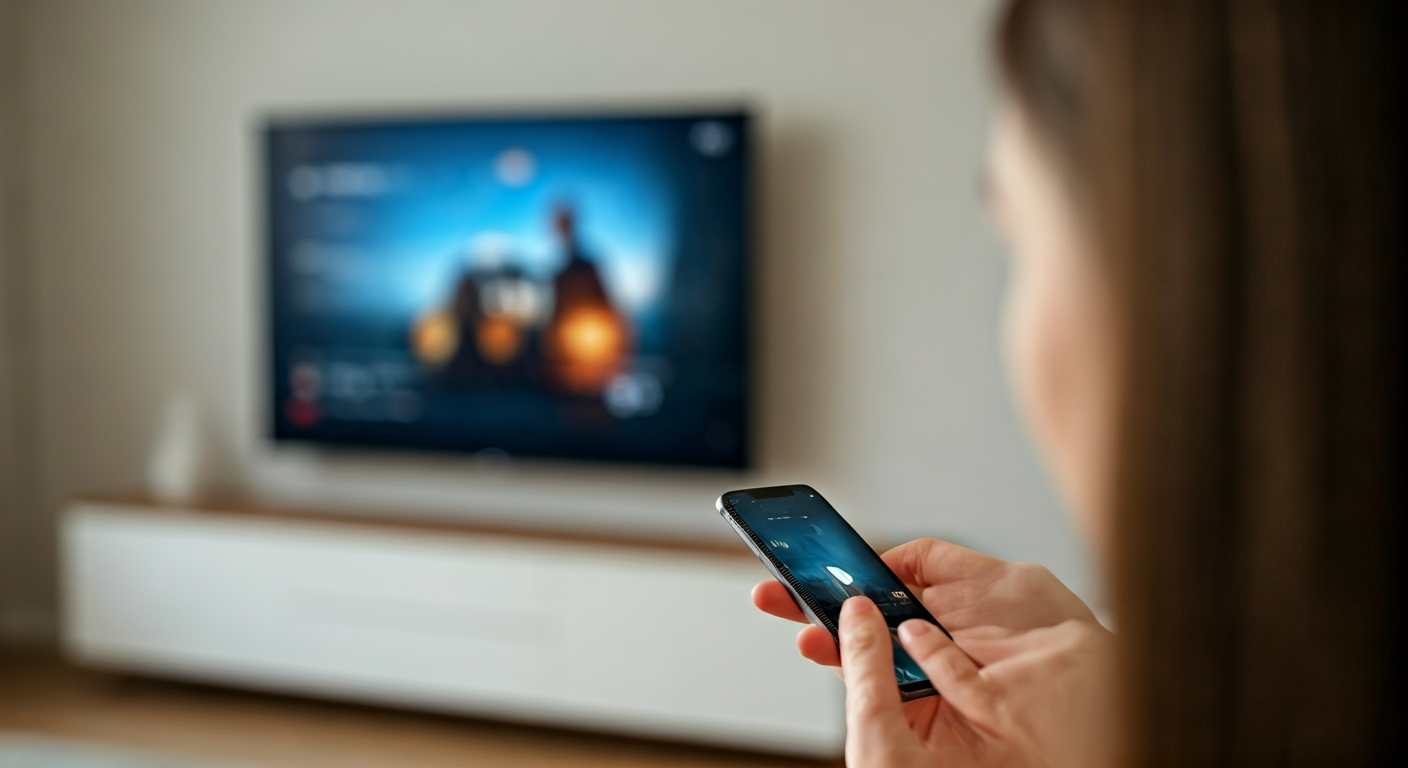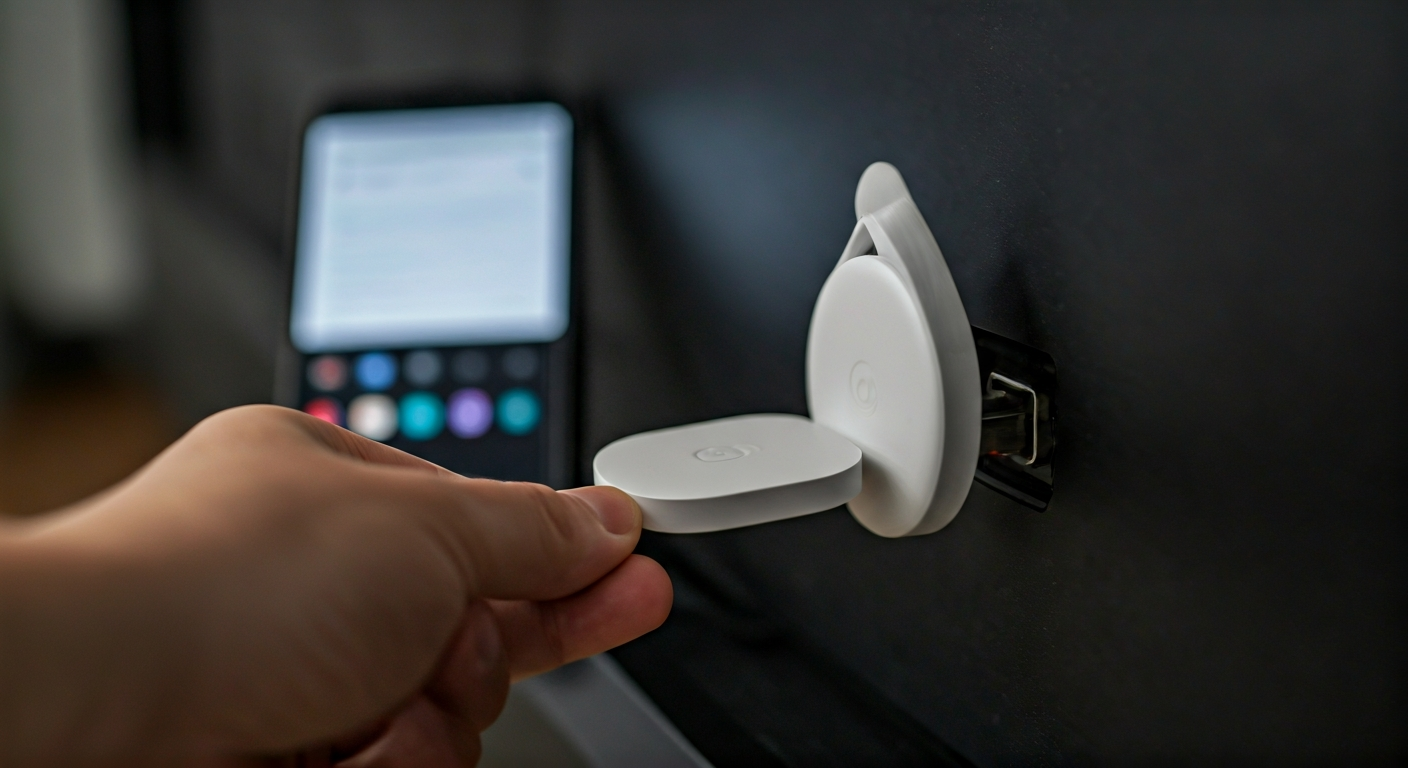
A hand connects a white Chromecast into a TV's HDMI port, with the power cable also attached. A smartphone nearby shows the Google Home app.

How to set up Chromecast on your TV

Ali Hassan
Ali Hassan
Writer
Setting up your Chromecast transforms any standard TV into a smart TV, providing instant access to streaming services, apps, and more from your mobile device or computer. This guide simplifies the process, walking you through each step from physical connection to initial content casting. You'll learn how to properly connect your Chromecast, link it to your home Wi-Fi network, and pair it with the Google Home app, ensuring a smooth and successful setup. Get ready to enjoy your favorite movies, shows, and music on the big screen with minimal effort, leveraging the power of Google's streaming technology.
Practical Solution
Connect your Chromecast device to an HDMI port and a power source on your TV. Download the Google Home app on your mobile device. Open the app, follow the on-screen prompts to find and set up your new device, connect it to your home Wi-Fi network, and link it to your Google account. Confirm the code displayed on your TV matches the app to complete the pairing process.

What This Guide Covers for Chromecast Setup

This guide provides clear instructions for connecting your Chromecast to your television and home network. We detail the necessary equipment, steps for initial setup using the Google Home app, and crucial troubleshooting tips for common issues. You will learn to prepare your TV, physically install the Chromecast, configure its settings via your smartphone, and start casting content seamlessly.

Essential Tools for Chromecast Setup

Smartphone or Tablet
You will use this device to download the Google Home app and manage the setup process.
Wi-Fi Network
Your Chromecast needs a stable wireless internet connection to stream content.
TV with HDMI Port
Ensure your television has at least one available HDMI input for the Chromecast.
Google Account
A Google account is required to use the Google Home app and manage your device.

What You Need for Installation

Chromecast Device
This is the primary streaming hardware you are setting up.
USB Power Cable
This cable powers your Chromecast, connecting it to a USB port or power adapter.
Power Adapter
Use this if your TV lacks a powered USB port or for a more reliable power source.

Before You Begin Chromecast Setup

Check TV Compatibility and Power

Verify your TV has an available HDMI input port. Most modern TVs include multiple HDMI ports. Also, ensure you have an accessible power outlet or a USB port on your TV that provides sufficient power for the Chromecast. Some TVs' USB ports may not supply enough power, requiring the use of the included power adapter for optimal performance. Confirm your Wi-Fi network name and password are handy; you will need them during the setup process. This preparation prevents common frustrations during installation.

Download Google Home App

Before you even plug in your Chromecast, download and install the Google Home app on your smartphone or tablet. This app is essential for configuring your Chromecast, connecting it to your Wi-Fi, and managing its settings. You can find it on the App Store for iOS devices or the Google Play Store for Android devices. Create or sign in to your Google account within the app if you haven't already.

Step-by-Step Chromecast Installation Guide

1

Plug in Chromecast to TV

Insert the Chromecast device into an available HDMI port on your television. If your TV has multiple HDMI ports, note which one you use. Connect the USB power cable to your Chromecast, then plug the other end into a wall power adapter (recommended) or an available USB port on your TV. For best performance, always use the wall adapter.
2

Power On TV and Select Input

Turn on your television and use your TV remote to select the HDMI input corresponding to the port where you plugged in your Chromecast. You should see a Chromecast welcome screen on your TV, often displaying a setup code and instructions to download the Google Home app.
3

Open Google Home App

Launch the Google Home app on your smartphone or tablet. The app will usually detect nearby Chromecast devices automatically. If it doesn't, tap the "+" icon in the top left corner, then select "Set up device," followed by "New device."
4

Find and Connect Your Device

The app will search for devices. Once it finds your Chromecast, tap on it to begin the setup. Confirm the code displayed on your TV screen matches the code shown in the Google Home app. This ensures you are setting up the correct device.
5

Connect to Wi-Fi Network

Select your home Wi-Fi network from the list provided in the app and enter your Wi-Fi password. Your Chromecast will now connect to the internet. Ensure your mobile device is also connected to the same Wi-Fi network during this step.
6

Link to Google Account

Choose the Google account you wish to link with your Chromecast. This account will be used to personalize settings and access services. You may also be prompted to choose a room for your device, such as "Living Room TV," to help organize your smart home.
7

Complete Setup and Cast

Follow any remaining prompts to finalize the setup. Once complete, your Chromecast is ready. Open a compatible app on your mobile device (e.g., YouTube, Netflix), tap the Cast icon (a rectangle with a Wi-Fi symbol in the bottom-left corner), and select your Chromecast to start streaming.

Helpful Tips for Chromecast Use

Always use the provided power adapter for reliable performance, especially if your TV's USB port is unpowered or provides insufficient current.
Keep your Chromecast, Wi-Fi router, and casting device relatively close to minimize interference and ensure a strong signal.
Restart your Chromecast or router if you experience connection issues or sluggish performance.
Regularly update the Google Home app and your Chromecast firmware for the latest features and security improvements.

Common Mistakes to Avoid

Insufficient Power
Using a low-power USB port on your TV can lead to instability, reboots, or failure to start. Always use the wall adapter.
Incorrect Wi-Fi Network
Connecting your Chromecast to a different Wi-Fi network than your phone prevents casting. Both must be on the same network.
Ignoring Updates
Skipping firmware updates can cause compatibility issues with new apps or lead to security vulnerabilities. Keep devices updated.

When to Seek Professional Assistance

While Chromecast setup is generally straightforward, persistent issues might require professional help. If you've tried all troubleshooting steps, including restarting devices, checking Wi-Fi, and confirming power, but your Chromecast still won't connect or function correctly, consider contacting Google Support for technical assistance. You might also seek help from an IT professional if you suspect complex home network issues, such as router configuration problems or advanced firewall settings are preventing the Chromecast from communicating effectively. They can diagnose underlying network problems or hardware faults beyond typical user-level fixes, ensuring your home entertainment system works seamlessly.

Frequently Asked Questions About Chromecast

Was this article helpful?

Vetted by 18 professional readers

About the Author

Ali Hassan
Ali Hassan
Verified Author
Writer

Professional contributor.

Related Articles

See All Topics
A hand holding a smartphone casting a video to a modern flat-screen television in a living room, illustrating wireless connectivity.

Connect your phone to a TV wirelessly using casting devices like Google Chromecast or Apple TV, or by utilizing your Smart TV's built-in screen mirroring (e.g., Miracast) or casting features. Ensure both your phone and TV are on the same Wi-Fi network. Open a compatible app or your phone's screen mirroring settings, then select your TV or casting device from the available options to begin sharing content.
3 Helpful
Insight
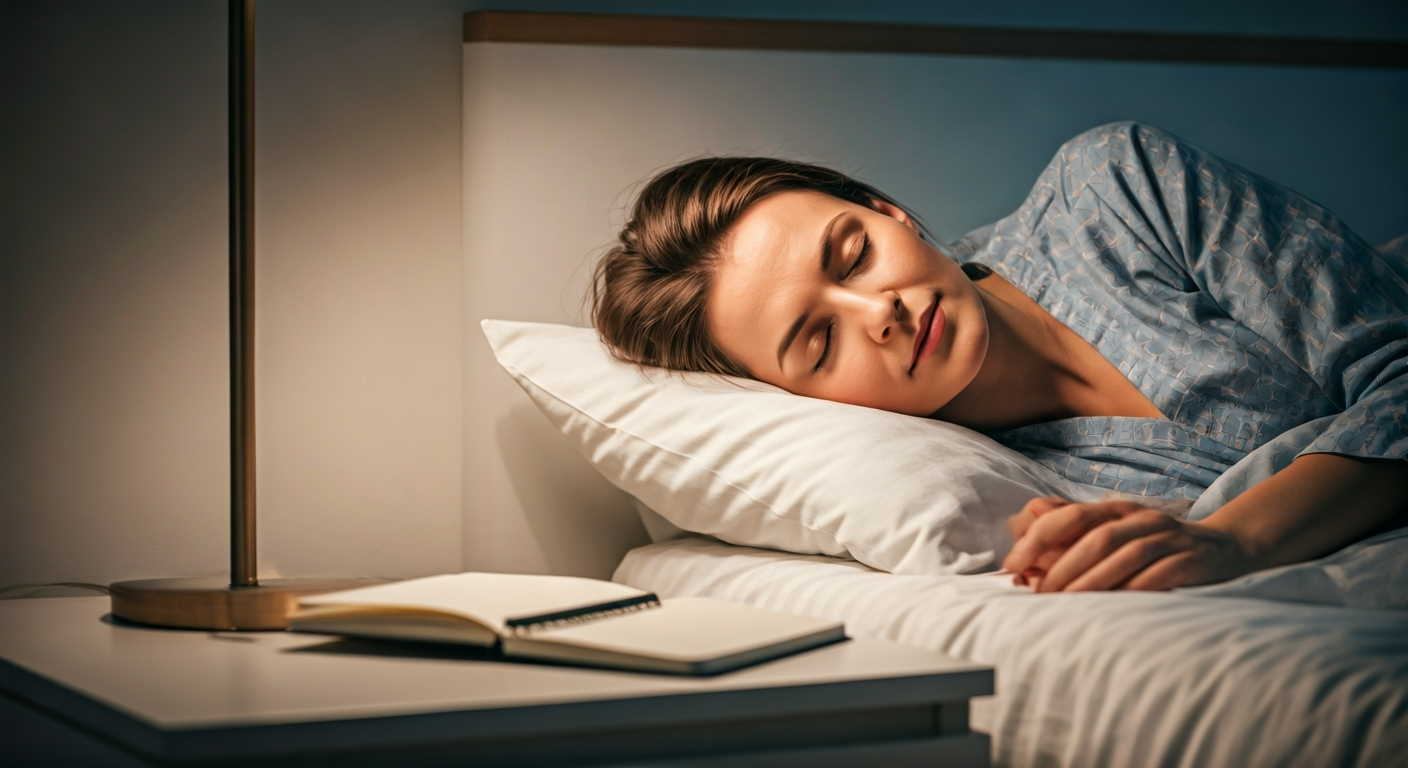
A person with closed eyes lies peacefully in a dim, cozy bedroom, a journal and pen on the nightstand, symbolizing a clear and calm mind before sleep.

To clear your head before sleeping, establish a consistent pre-sleep routine focusing on mental offloading and relaxation. Journal your thoughts, practice deep breathing or guided meditation, and engage in calming activities like reading or gentle stretching. This intentional wind-down signals to your brain that it is time to disengage from daily stressors and prepare for restorative sleep.
13 Helpful
Insight
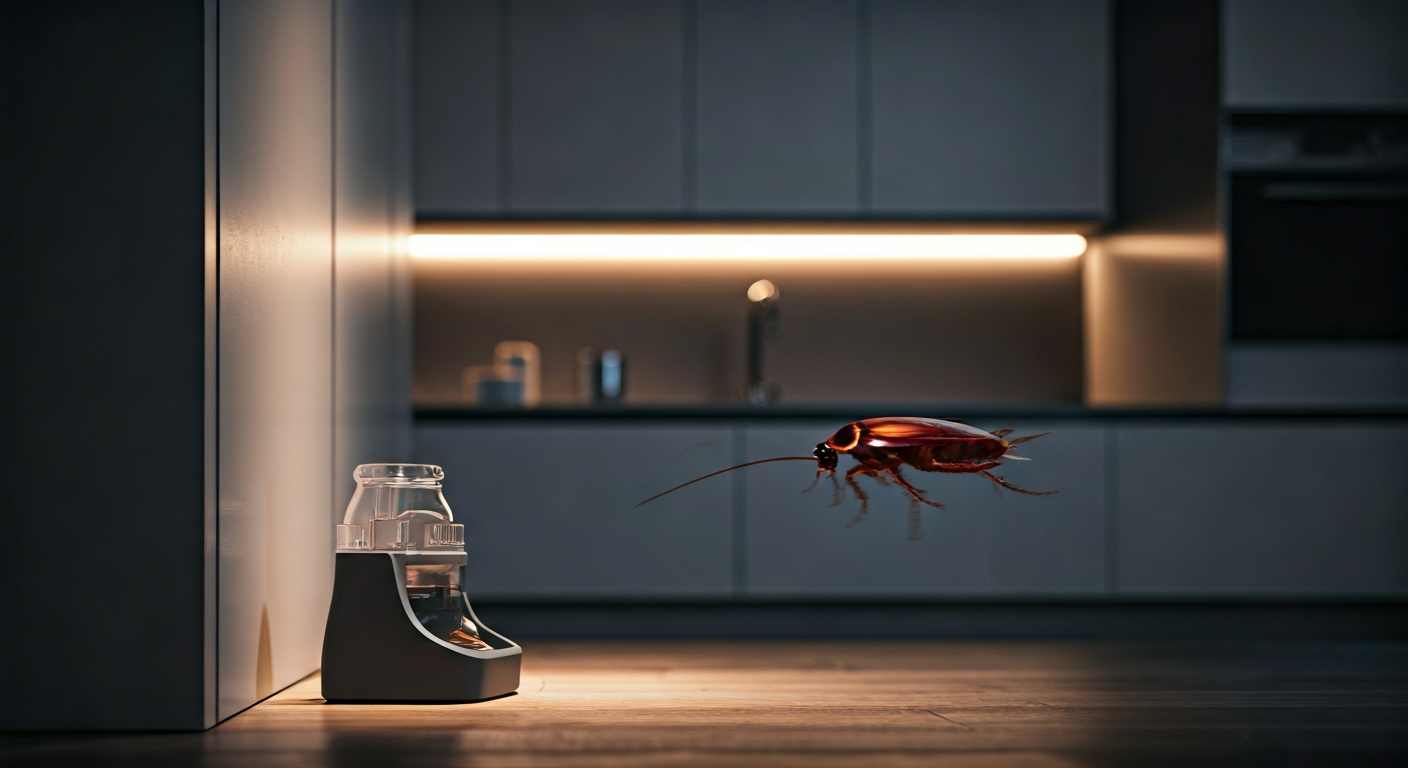
Roach bait station strategically placed in a clean kitchen corner, with subtle lighting, representing effective home pest control.

Eliminate roaches by first identifying their hiding spots and entry points. Deploy bait stations and sticky traps strategically in these areas. Maintain rigorous sanitation, seal cracks and crevices, and remove all food and water sources. Consistent application of these methods, combined with vigilant monitoring, effectively eradicates infestations and prevents their return.

14 Helpful
Insight