
How to download Netflix shows to watch offline
Learn to Download Netflix Offline
Essential Tools for Offline Viewing
Prepare for Seamless Downloads
Before You Begin Downloading
Check Device Compatibility & Storage
Update Netflix App and Plan
Step-by-Step Netflix Download Guide
Open the Netflix App
Locate Downloadable Content
Select a Title to Download
Initiate the Download
Manage Download Quality (Optional)
Access Downloaded Content Offline
Delete Old Downloads
Expert Tips for Downloads
Avoid These Common Errors
When to Seek Professional Help
Quick Answers to Common Questions
Was this article helpful?
About the Author
Related Articles
See All Topics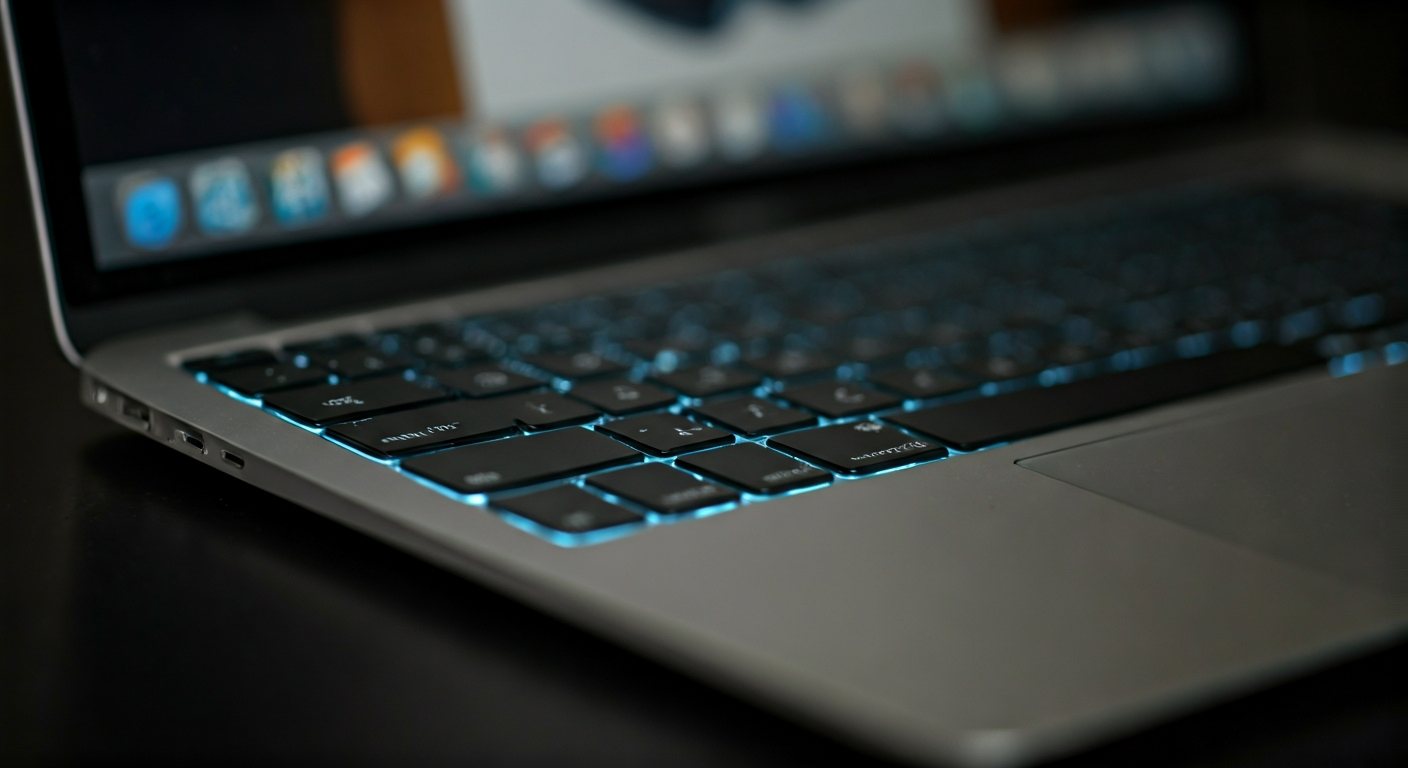
To take a screenshot on your MacBook Air, press Command + Shift + 3 for a full-screen capture, Command + Shift + 4 to select a specific area, or Command + Shift + 5 to open the Screenshot toolbar for more options, including window captures. Your MacBook Air saves these images as PNG files to your desktop by default, ready for immediate use.
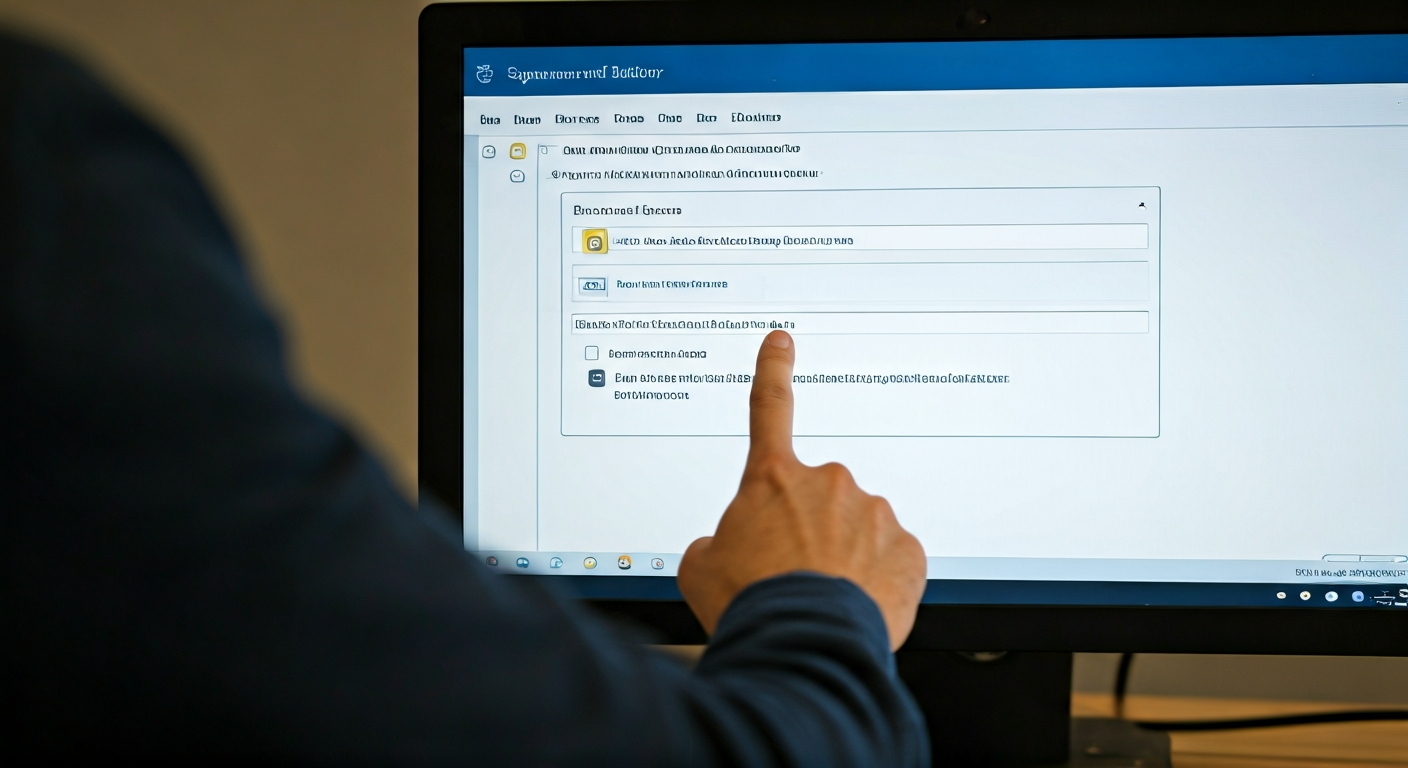
To change your email signature in Outlook, access the Signature settings via File > Options > Mail > Signatures (desktop) or Settings > Mail > Compose and reply (web). Create a new signature or select an existing one to edit. Add your desired text, images, and links, then save your changes. Finally, assign the signature to new messages and replies.

Access help in Windows by using the built-in 'Get Help' app for guided solutions, searching the Start Menu for specific issues, or utilizing the 'Settings' app for troubleshooters. For comprehensive support, visit the official Microsoft Support website directly. These methods provide a range of resources from automated diagnostics to detailed knowledge bases, helping you resolve most common software and hardware challenges.